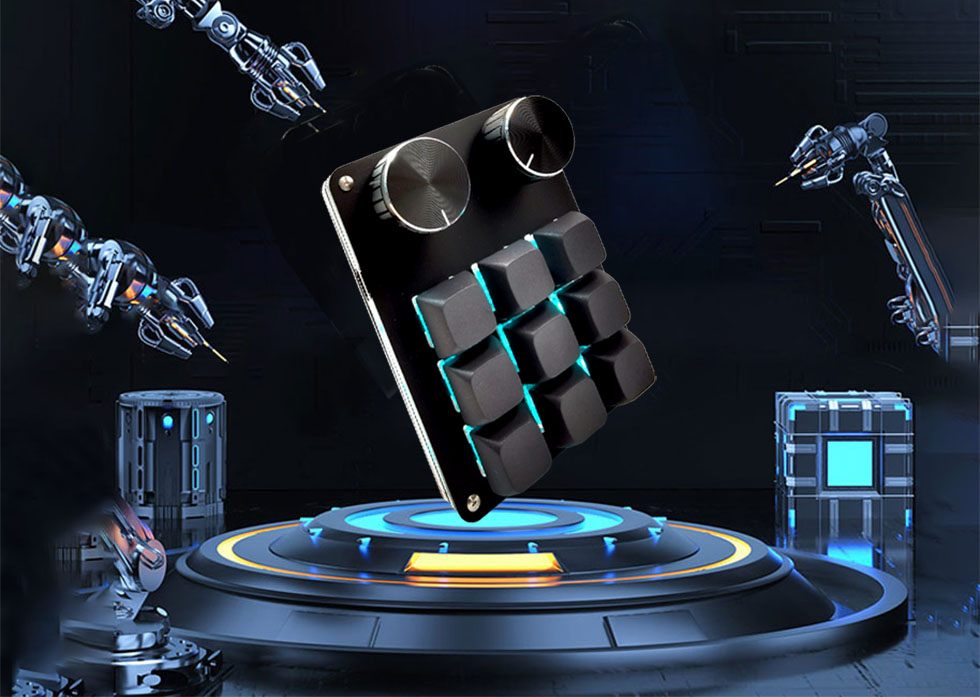
Stop wasting your energy on endless repetitive computer operations. These 11 programmable macro keys handle multi-step office sequences with one tap. Spend less time on routine busywork, focus on high-value projects to advance your career and boost your income, and reserve more time for your passions outside work.
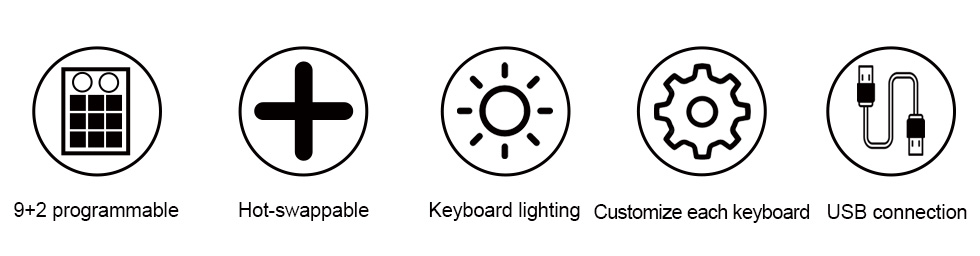
11 fully programmable keys with onboard memory
Dual knobs for easy adjustment volume and lighting etc.
Plug and play, compatible with Windows and Mac
🎮 Customizable 11 Keys
All keys support macro programming and custom shortcuts, ideal for gaming and daily computer tasks.
🔘 Dual Multifunctional Knobs
Dual built-in knobs allow you to easily adjust the volume and RGB lighting brightness, and every key as well as both side knobs can be independently programmed with macros, with each knob capable of setting up three shortcut commands.
💾 Onboard Memory Storage
Save all your personalized settings directly on the keypad. No need to reconfigure when switching devices.
📑 Multi-Layer Configuration
Support multiple layout layers, store different shortcut sets for different games and usage habits.
🔌 Plug & Play Compatibility
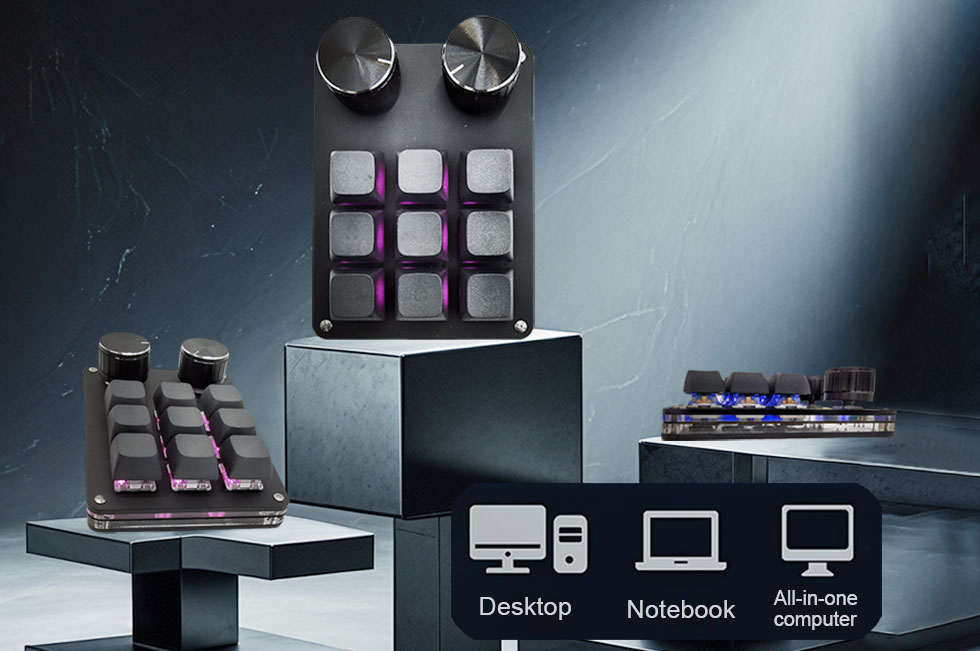
No complicated drivers required. Simply plug in and use, works smoothly with Windows, Mac and most devices.
Specifications
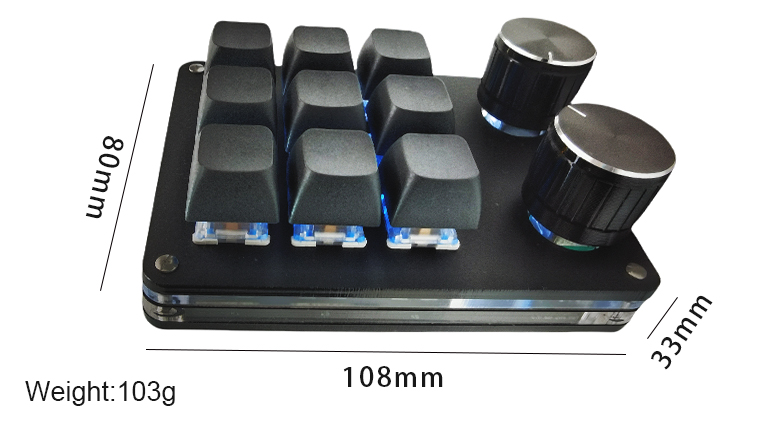
Keys: 9 programmable keys + 2 control knobs
Switch: Mechanical tactile switch
Lighting: Custom RGB backlight
Memory: Built-in onboard storage
Connection: Wired USB, plug and play
Compatibility: Windows / Mac OS
This compact mechanical macro keypad is built for gamers and long-time PC users. It combines 9 custom keys and dual control knobs, putting all your frequent shortcuts within easy reach. All settings are stored onboard, so your preferences stay saved no matter which computer you use. With gentle RGB backlighting and a compact minimalist design, it fits well on most gaming desk setups. Lightweight and simple to set up, it brings extra convenience without a steep learning curve.
FAQ
Do I need to install any software? No driver or extra software needed, just plug and play.
Can I keep my settings after changing computers? Yes, custom macros and layouts are saved in onboard memory.
Are the knobs adjustable for other functions? Besides controlling volume and lighting, each knob supports three custom shortcut assignments: clockwise rotation, counterclockwise rotation, and a press-down function.
Does it work for Mac? It supports both Windows and Mac systems.
Installation Tips
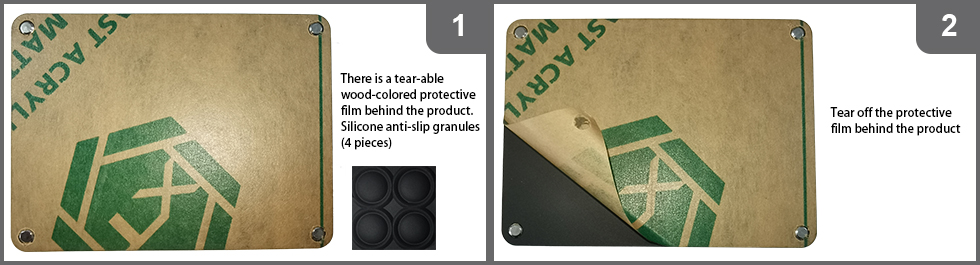
A wood-toned protective film is attached to the product bottom, which can be peeled off.
Remove the protective film from the back of the unit.
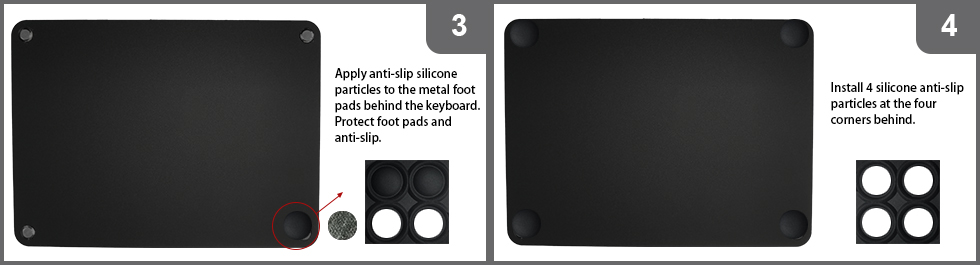
Attach the 4 included non-slip silicone pads to the metal foot mounts on the keyboard bottom. These pads protect the foot mounts and provide a stable, non-slip placement.
Free standard shipping available across the US.
We stand behind this product with a 3-year warranty. For any quality-related issues within 180 days after delivery, we offer a free brand-new replacement.
If you have any questions about setup or usage, feel free to contact us anytime.



 Shipping & inkl. MwSt.